Older Version
Newer Version
 Alyce
Sep 6, 2006
Alyce
Sep 6, 2006
Creating Compiled HTML Help
by Alyce Watson - http://alycesrestaurant.com/-
 Alyce
Alyce What is Compiled HTML Help?
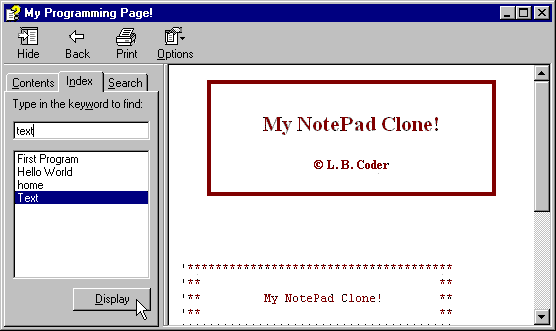
You have probably seen it as part of many software applications. The compiled file has the extension "CHM" and when run, it looks something like this little example: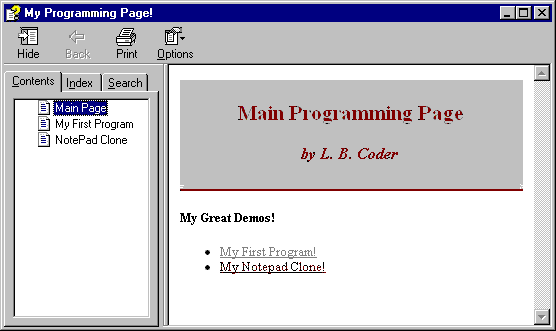
What do I need to make CHM files?
You can make CHM help files from a set of HTML files. You can create these easily with any HTML editor, or even with Notepad. You can even create your own HTML editor written in Liberty BASIC. If you use an HTML editor, follow the guidelines that come with the application. For a brief tutorial that explains simple HTML creation in a texteditor such as Notepad, see issue #52 of the Liberty BASIC Newsletter.How do I write good documentation?
See issue Help (...is on the way) by Jerry MuelverUser/jmuelver . Also, be sure to read the Tech Writing How-To .
How do I compile HTML pages to a CHM file?
You use the free Microsoft HTML Help Workshop available for download here: HTML Help Workshop PageI've got HTML Help Workshop and HTML files...
Now what do I do?
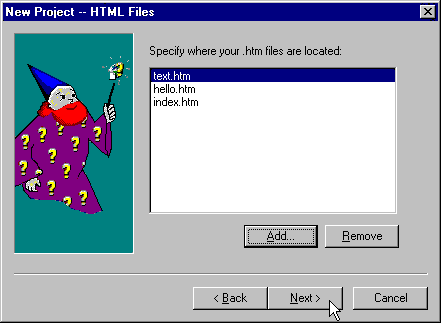
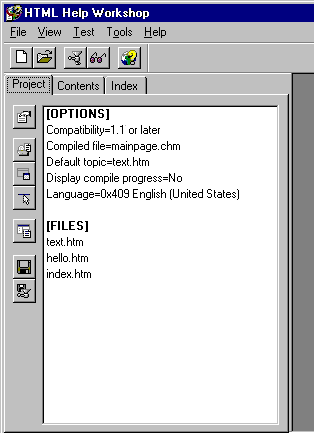
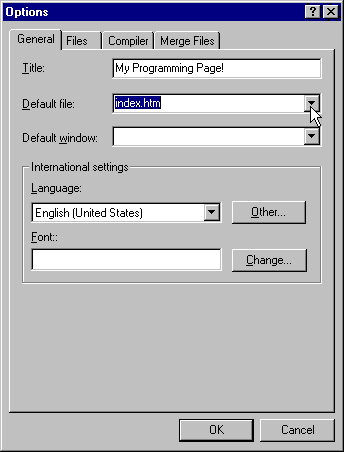
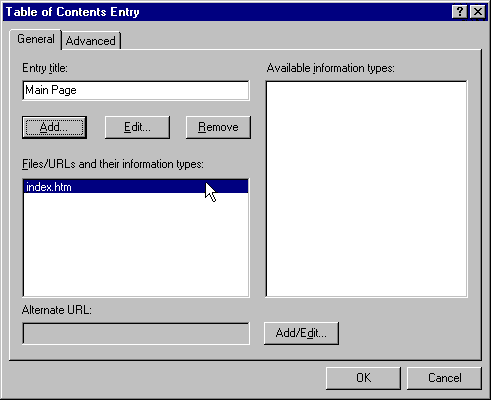
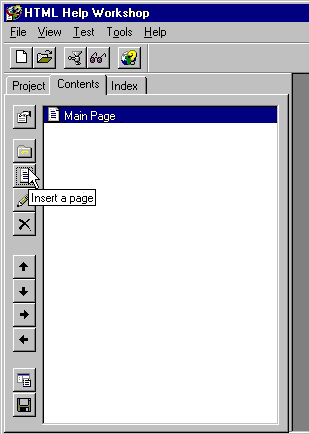
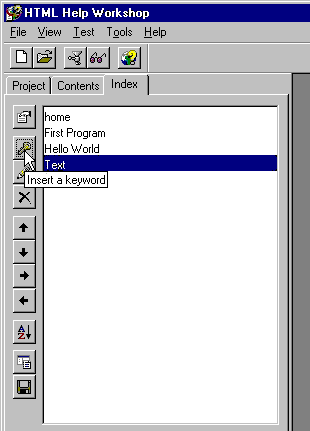
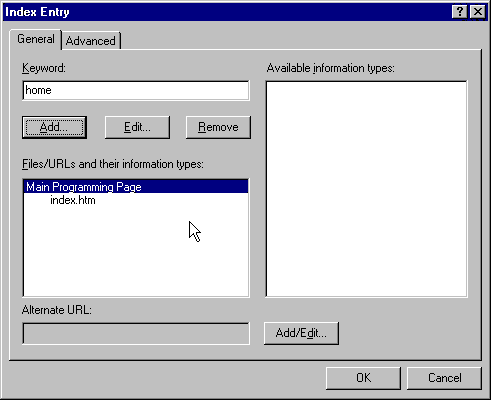
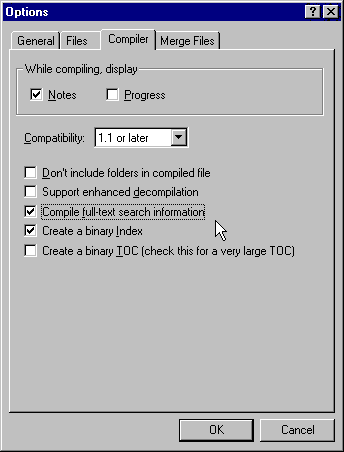
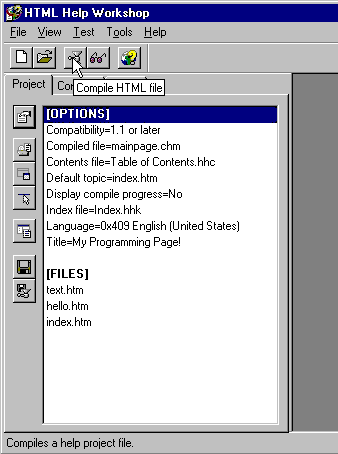
Here is a step-by-step walk through that creates a compiled help file from a set of HTML files. The project shown here is available for download here: It includes HTML, HJP, HHC and HHK files.
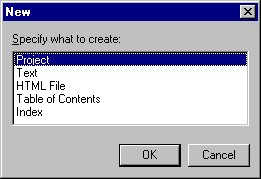
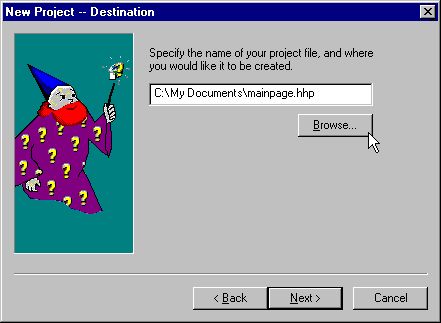
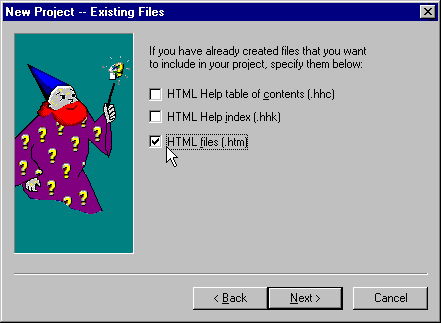
run "hh.exe mainpage.chm"